
Guide
Waka TV Audio and Video Settings
Tune Waka TV picture and sound: quality, subtitles, brightness habits, and the settings that help dialogue.

On this page
Picture Settings That Matter
Waka TV live TV picture quality is the setting that changes viewing most, and it should match the screen and the connection together. A phone on mobile data earns a lower quality, a television on Wi-Fi earns a higher one, and a tablet sits between the two.
Brightness is a device setting, not an app setting, but it matters for night viewing. Lower brightness at night reduces eye strain more than any app option, and it saves battery on phones and tablets during long sessions.
Sound and Dialogue
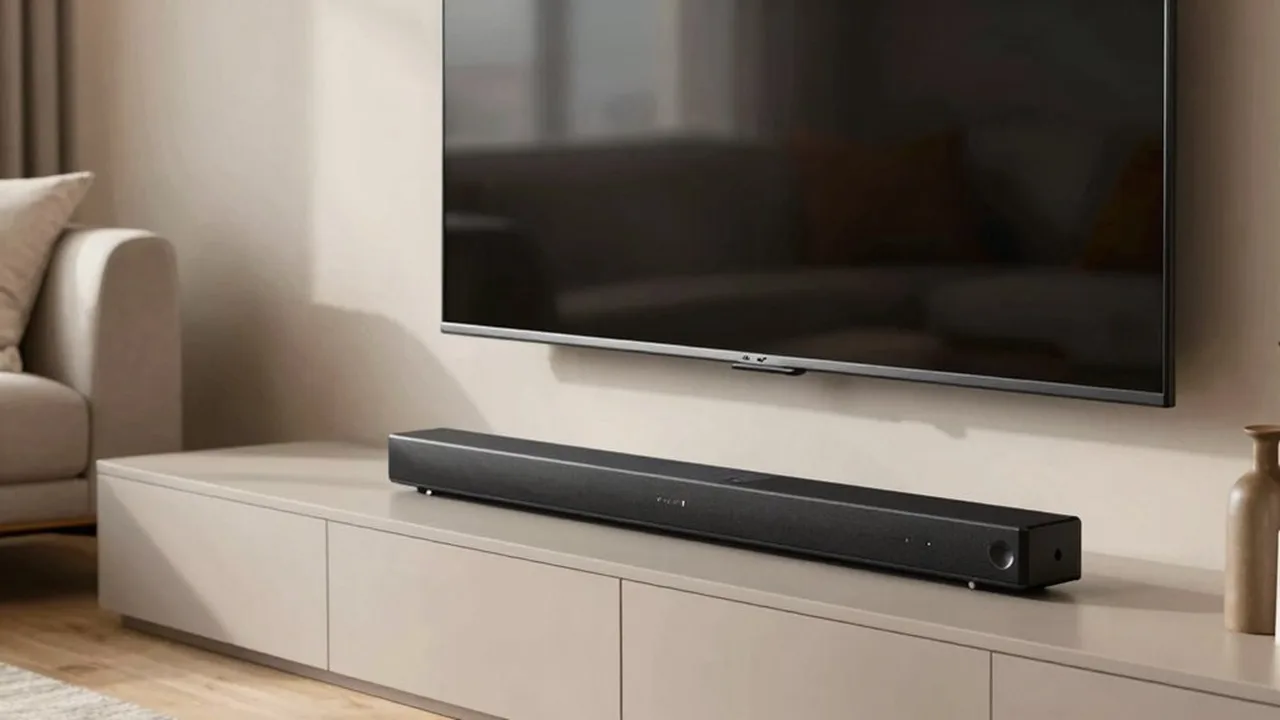
Dialogue clarity comes from the sound mode as much as from volume. A clear voice mode on a television or soundbar lifts speech above music and effects, which helps films with quiet dialogue and busy soundtracks alike.
Subtitles remain the fallback when dialogue still hides. Turn them on for a difficult film rather than raising the volume for the whole house, and turn them off again when the film ends so the next viewer starts clean. See also the subtitles guide.
Conclusion
Picture and sound on Waka TV are two settings: quality matched to screen and connection, and a clear voice mode for dialogue. Subtitles cover the rest.