
Guide
Waka TV on Firestick
Run Waka TV on a Firestick: sideloading notes, remote navigation, and the settings that keep playback smooth on a stick.

On this page
Start on a Streaming Stick
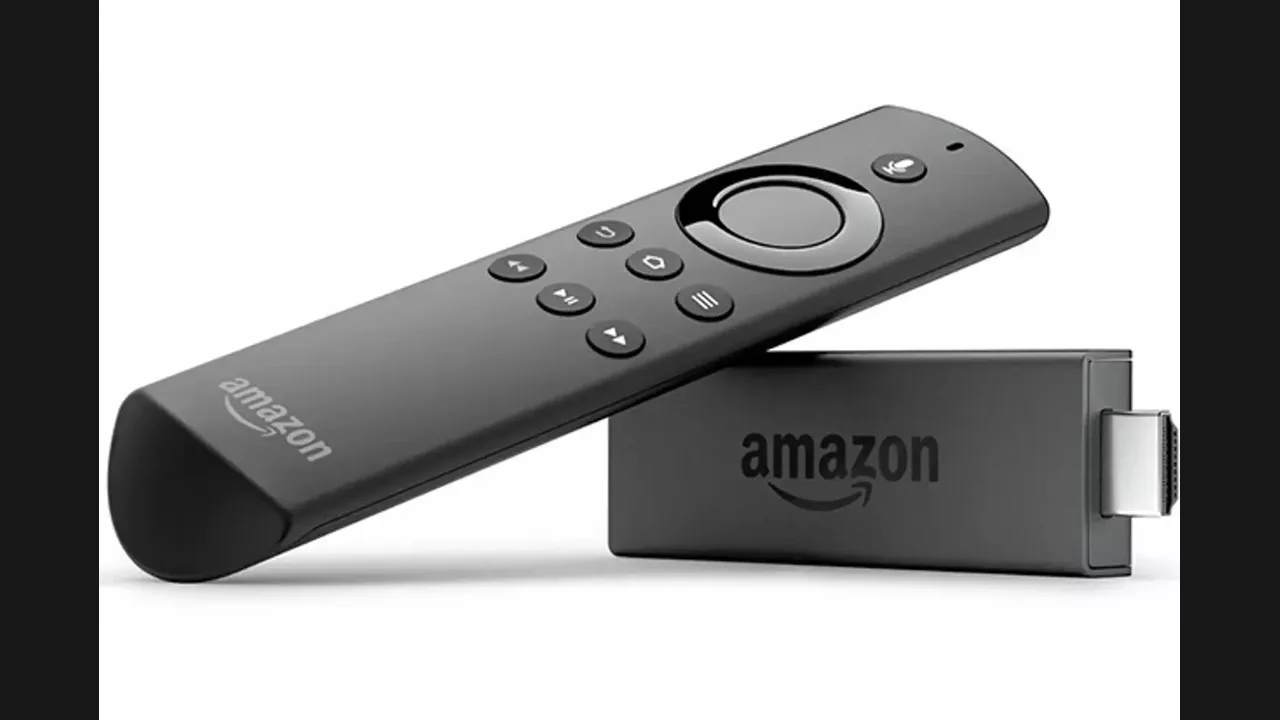
Waka TV app on a Firestick brings the same catalogue to a television through a small stick, and the experience is close to Android TV once the app is installed. The stick's remote moves through rows and titles in the same way, and the player fills the television screen in landscape.
Storage on a stick is smaller than on a phone, so offline downloads should be kept few and short. Stream first, download only for a trip, and delete finished downloads before saving new ones.
Heat matters on a stick. Long sessions in a warm cabinet can throttle playback, so give the stick air and restart it if a long evening starts to stutter for no clear reason.
Make the Remote Work for You
The Firestick remote has no touchscreen fallback, so learn the long press and back button early. A long press on a title often reveals options that a short press skips, and the back button is the fastest way out of a wrong row.
Voice search on the stick does not search inside every sideloaded app, so type titles with the on screen keyboard when voice search returns nothing. It is slower, but it reaches the whole catalogue. See also the Android TV setup guide.
Conclusion
A Firestick is a fine home for Waka TV when storage is watched and the stick stays cool. Stream first, download sparingly, and keep the remote habits simple.